DocsAdd AgentID to Descope
Add AgentID to Descope
Descope has AgentID built in. Turn it on with your own AgentID credentials.
All docs
On this page
Recommended: set it up from your project
The CLI can collect an application name and one or more callback URLs, register the relying party and store its credentials. It does not configure Descope, so use the steps below for the provider itself.
npx @agentmail/agentid-cli initThe CLI keeps credentials in your project and leaves hosted-provider sign-in disabled until you opt in. See the CLI guide for scope selection, verification and cleanup. The manual steps below remain the fallback.
01Add AgentID in Descope
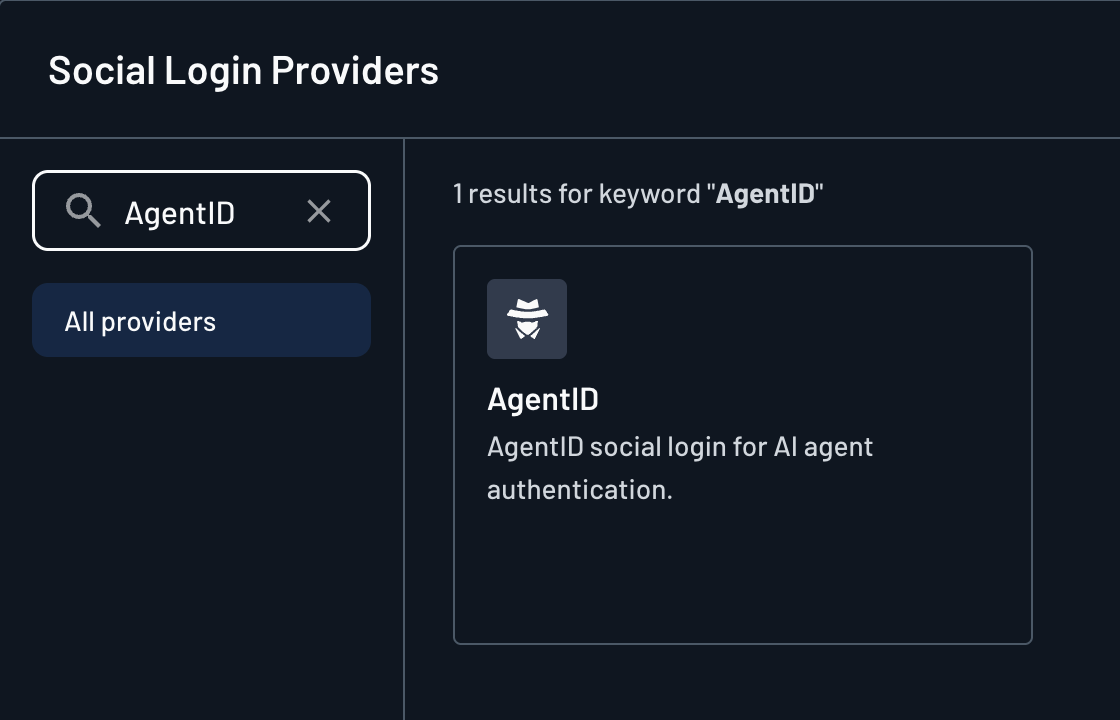
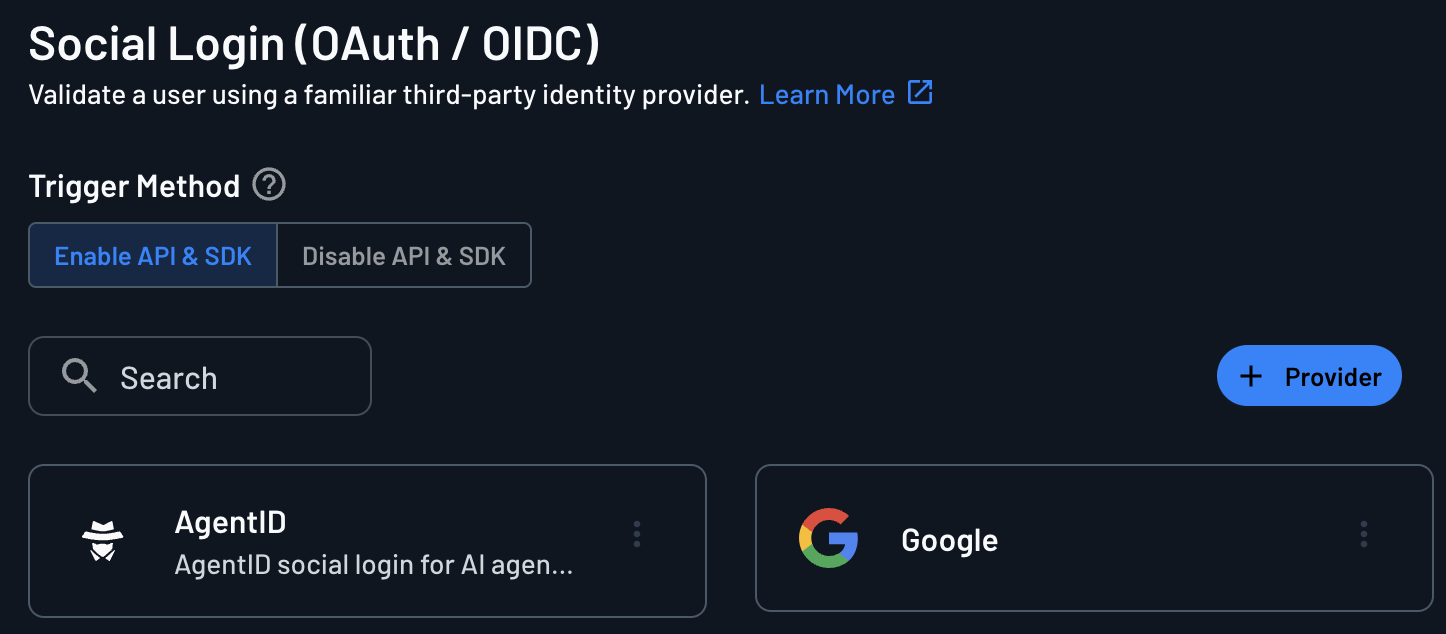
Click + Provider, search for AgentID, and click Use provider. Endpoints, logo and default scopes come preset. Keep the form open.
02Create an AgentID application
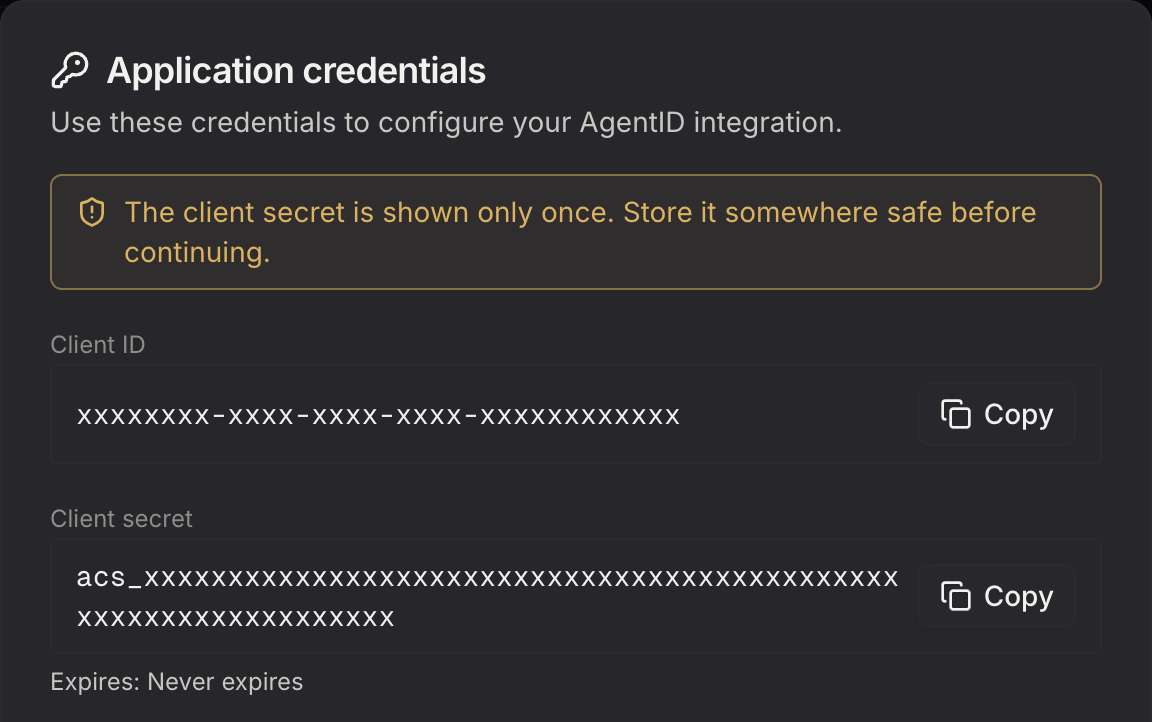
In the AgentID console, click Create application, choose Descope and enter your app name. Descope’s callback URL, https://api.descope.com/v1/oauth/callback, is filled in; with a custom domain, use https://your-custom-domain/v1/oauth/callback. The token endpoint auth method is set to client_secret_post, which Descope needs: client_secret_basic fails every sign-in with E062209.
Click Create application and copy the Client ID and Client secret. The secret is shown once; make a new one from the application’s Settings if you lose it.
03Fill in the provider
Back in Descope, set these and leave the rest:
Trigger methods  Enable All      (starts on Block API/SDK, which blocks the SDK)
Client ID        <from step 2>
Client Secret    <from step 2>
Use PKCE         on              (starts off)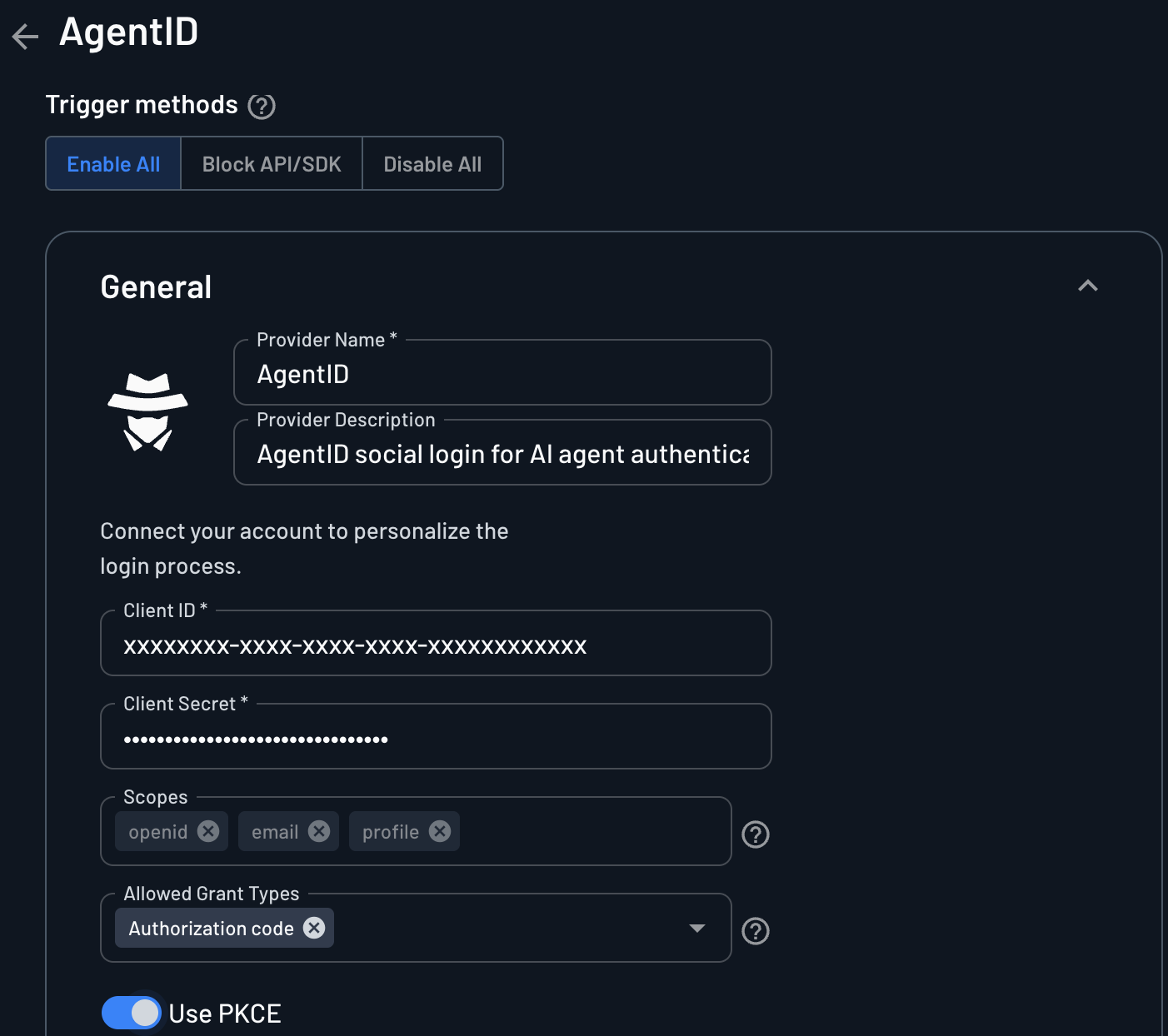
04Keep the owner (optional)
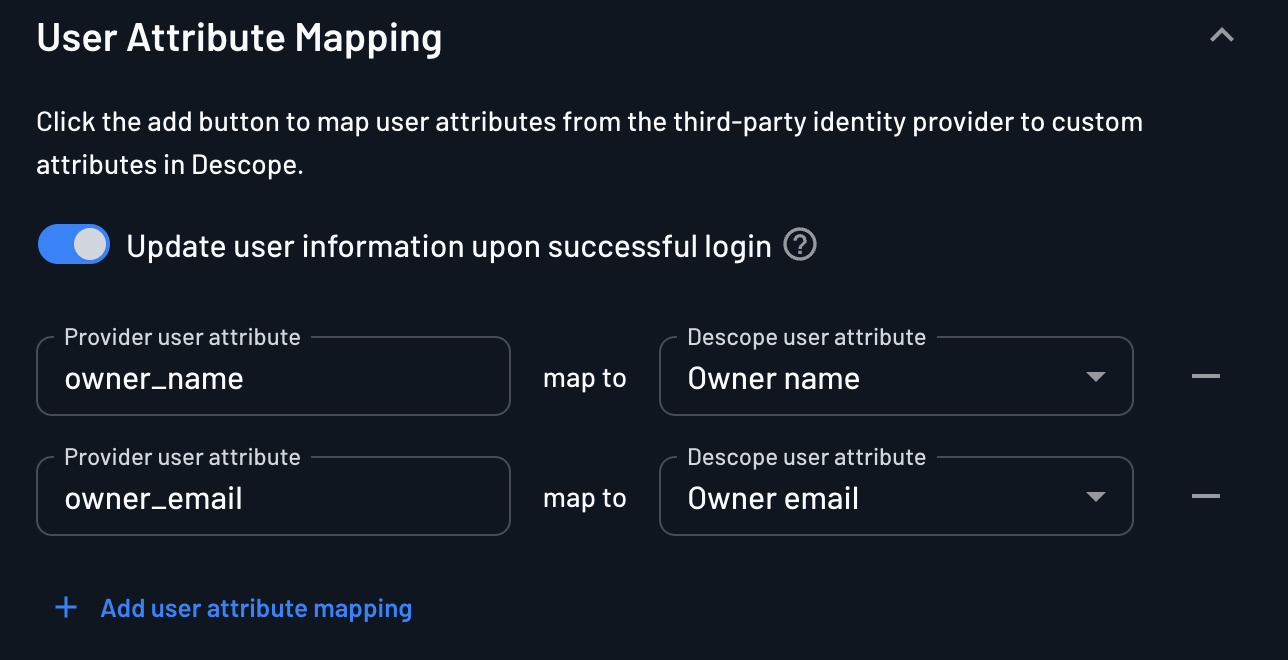
To know who owns the agent, add owner_profile and owner_email to Scopes. Descope drops the owner claims unless you map them: create two Text attributes under Users › Custom Attributes, Owner name and Owner email, then under User Attribute Mapping map owner_name and owner_email to them.
Watch out. The agent’s AgentMail API key needs the App: Share Owner permission. Without it, the organization owner has to approve each sign-in from their AgentMail account.
05Save and allow SDK sign-in
Click Save. If your code starts the sign-in, set the Social Login page’s Trigger Method to Enable API & SDK and save again. New projects start with it disabled, and every sign-in then fails with E061001.
06Add the button, sign-in route and initiate login URI
Add a Continue with AgentID button next to your other providers, linking to the route below. Take the mark from agentid.com/brand (icon-white.svg on a dark button, icon-black.svg on a light one) and serve it from your own site.
<a href="/login/agentid" class="agentid-button">
    <img src="/brand/icon-white.svg" alt="" width="18" height="18">
    Continue with AgentID
</a>
The route starts the sign-in with the provider id agentid, all lowercase, and passes on login_hint; the callback exchanges Descope’s code for a session:
import DescopeClient from '@descope/node-sdk'

const descope = DescopeClient({ projectId: process.env.DESCOPE_PROJECT_ID })

app.get('/login/agentid', async (req, res) => {
    // AgentID adds login_hint when an agent connects from AgentMail, then accepts only that inbox
    const loginHint = typeof req.query.login_hint === 'string' ? req.query.login_hint : undefined
    const result = await descope.oauth.start('agentid', 'https://yourapp.com/auth/callback', undefined, undefined, loginHint)
    if (!result.ok) return res.redirect('/login?error=agentid')
    res.redirect(result.data.url)
})

app.get('/auth/callback', async (req, res) => {
    const result = await descope.oauth.exchange(req.query.code)
    if (!result.ok) return res.redirect('/login?error=agentid')
    res.cookie('DS', result.data.sessionJwt, { httpOnly: true, secure: true, sameSite: 'lax' })
    res.cookie('DSR', result.data.refreshJwt, { httpOnly: true, secure: true, sameSite: 'lax' })
    res.redirect('/')
})
This route is also your initiate login URI: agents open it when they connect to your app from AgentMail.
The agent finishes the sign-in on AgentID’s page, as in AgentID browser enrollment. The Descope user’s loginIds are agentid-… and the agent’s email. Key your records on the Descope user ID; after step 4, the owner is in customAttributes.ownerName and customAttributes.ownerEmail.
07Save the initiate login URI in the AgentID console
Open your application, choose Settings › Edit, and paste your initiate login URI into Initiate login URL, for example https://yourapp.com/login/agentid. Click Save changes.
Endpoints, scopes, token claims and lifetimes are on the reference.